
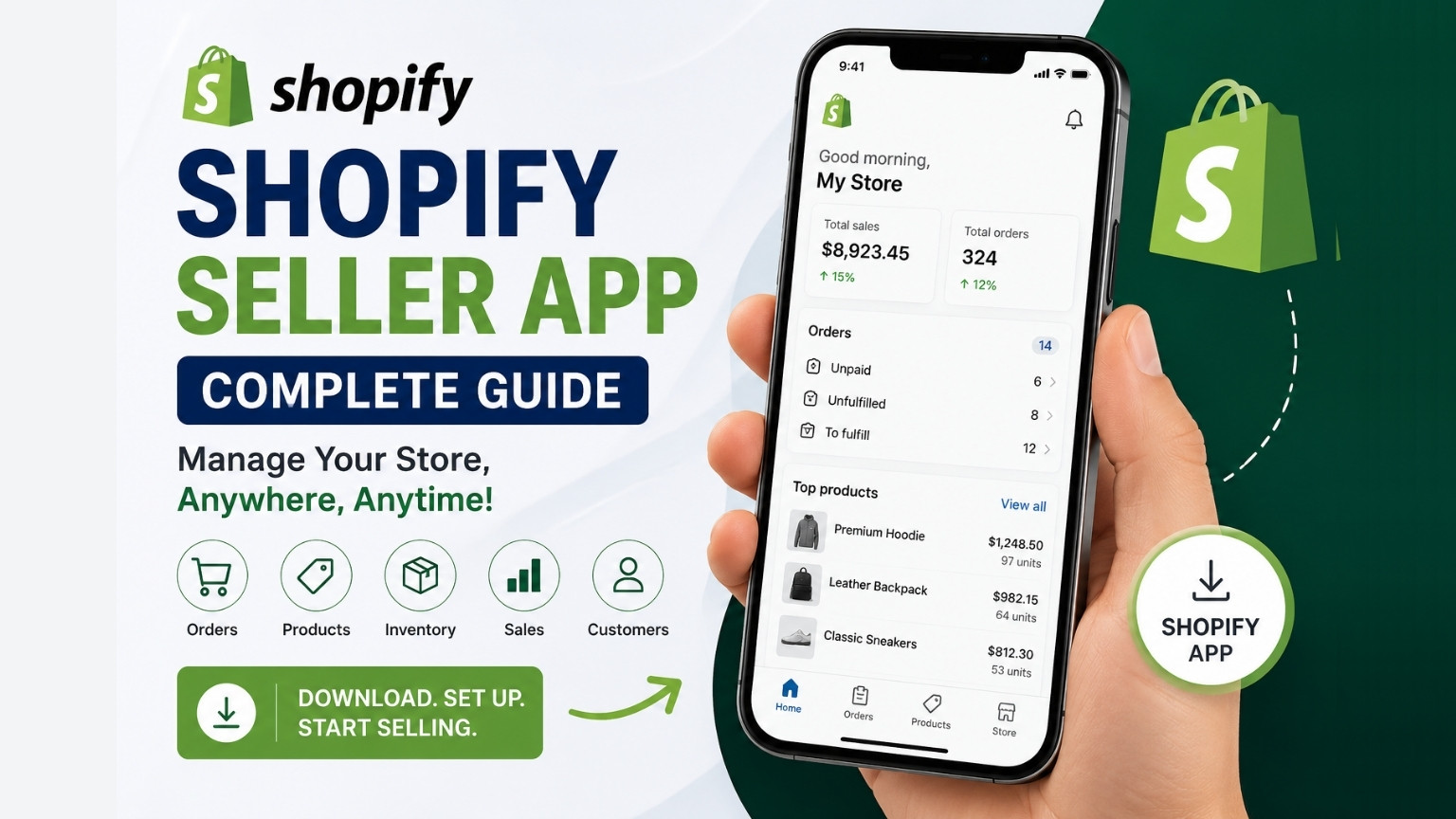
Managing an online store requires constant attention. Customers place orders around the clock, inventory levels change frequently, and marketing campaigns need regular monitoring. For ecommerce entrepreneurs, being tied to a desktop computer is no longer practical. The Shopify Seller App serves as a crucial resource for contemporary business administration.
The Shopify Seller App allows merchants to manage their stores directly from their smartphones or tablets. Whether you are traveling, attending meetings, or simply away from your office, the app provides access to key store functions that help keep your business running smoothly. From processing orders and updating products to tracking sales performance and communicating with customers, the app offers a convenient way to stay connected to your store at all times.
As mobile commerce continues to grow, more business owners are looking for flexible solutions that allow them to manage their operations remotely. The Shopify mobile app addresses this need by providing a user-friendly interface packed with powerful ecommerce management features. In this guide, we’ll explore everything you need to know about downloading, setting up, and using the Shopify Seller App effectively.
What Is the Shopify Seller App?
The Shopify Seller App is the official mobile application designed for Shopify merchants. It serves as a mobile extension of the Shopify admin dashboard, enabling store owners to perform essential business tasks without needing to log in from a desktop computer.
The app is available for both Android and iOS devices and is included with every Shopify subscription plan. Once installed, merchants can access real-time store information, manage products, monitor inventory, review customer data, and track sales performance from virtually anywhere.
One of the biggest advantages of the Shopify Seller App is its ability to provide instant access to critical store information. Instead of waiting until you return to your office, you can respond to new orders, update listings, and monitor business performance directly from your mobile device. This level of accessibility helps merchants stay productive and responsive in today’s fast-paced ecommerce environment.
Reasons the Shopify Seller App Matters for Online Businesses
The ecommerce industry operates 24 hours a day, seven days a week. Customers can browse products, place orders, and submit inquiries at any time. As a result, online store owners need tools that allow them to stay connected to their businesses regardless of their location.
The Shopify Seller App helps bridge the gap between mobility and business management. Rather than relying solely on a desktop computer, merchants can access important store functions whenever they need them. This flexibility is particularly valuable for entrepreneurs who manage multiple responsibilities or operate their businesses while traveling.
The app also improves operational efficiency. By providing immediate access to order notifications, inventory updates, and sales analytics, merchants can make faster decisions and respond quickly to customer needs. This responsiveness can contribute to higher customer satisfaction and better overall business performance.
Another key benefit is convenience. Many ecommerce tasks that once required logging into a computer can now be completed in just a few taps on a smartphone. This streamlined workflow allows business owners to save time and focus on growing their stores.
How to Download the Shopify App
Downloading the Shopify Seller App is a simple process that takes only a few minutes. The application is available through the Google Play Store for Android users and the Apple App Store for iPhone and iPad users.
After downloading the app, merchants can sign in using their existing Shopify account credentials. Once logged in, the app automatically connects to the user’s Shopify store and displays key business metrics on the dashboard. From there, users can begin managing products, processing orders, and monitoring store activity immediately.
The setup process is designed to be straightforward, making it easy for both new and experienced Shopify merchants to get started. Shopify also provides onboarding guidance to help users familiarize themselves with the app’s features and functionality.
Key Features of the Shopify Seller App
Order Management
Order management is one of the most frequently used features within the Shopify Seller App. Ecommerce businesses rely on efficient order processing to maintain customer satisfaction and ensure timely fulfillment. The mobile app makes it easy to monitor incoming orders and take action as needed.
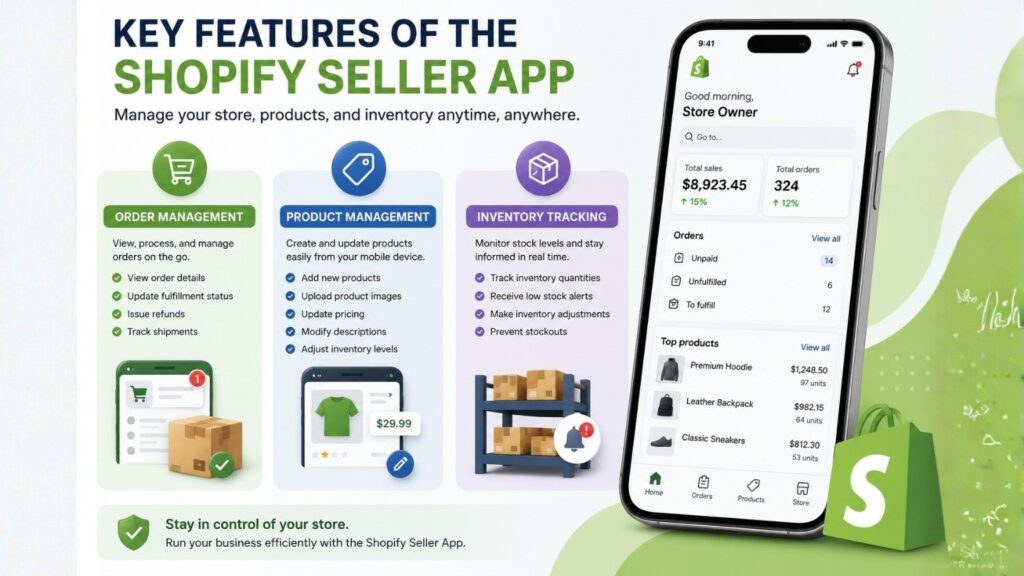
Merchants can view order details, update fulfillment status, issue refunds, and track shipments directly from their mobile devices. This level of accessibility allows business owners to stay responsive even when they are away from their desks. Whether an order needs immediate attention or a customer requests a modification, the app enables quick and efficient management.
The ability to process orders on the go can significantly improve workflow efficiency, particularly for small business owners who handle multiple aspects of their operations independently.
Product Management
Keeping product listings accurate and up to date is essential for ecommerce success. The Shopify Seller App simplifies this process by providing access to product management tools directly from a smartphone or tablet.
Store owners can create new products, upload images, update pricing, modify descriptions, and adjust inventory levels without needing to access a desktop computer. This flexibility is particularly beneficial for businesses that frequently launch new products or make regular catalog updates.
By allowing merchants to manage product information from anywhere, the app helps ensure that customers always have access to accurate and current product details.
Inventory Tracking
Inventory management plays a critical role in maintaining a smooth ecommerce operation. Running out of stock unexpectedly can result in lost sales and disappointed customers, while excess inventory can tie up valuable resources.
The Shopify Seller App provides real-time inventory tracking that helps merchants stay informed about stock levels across their product catalog. Users can monitor inventory quantities, make adjustments when necessary, and receive alerts when stock levels become low.
This proactive approach to inventory management helps businesses avoid stockouts and maintain a positive customer experience.
Real-Time Analytics and Sales Reporting
Understanding store performance is essential for making informed business decisions. The Shopify Seller App includes a comprehensive analytics dashboard that provides access to important sales and performance metrics.
Merchants can monitor revenue, track order volume, analyze customer behavior, and evaluate overall store performance from a single location. These insights allow business owners to identify trends, measure the effectiveness of marketing campaigns, and uncover opportunities for growth.
Having access to real-time data enables merchants to react quickly to changing market conditions and make strategic decisions based on current performance rather than outdated reports.
Leave a Reply