
For any serious eCommerce entrepreneur, the transition from a hobbyist seller to a high-volume professional is marked by one major challenge: time. Manually creating a single listing on eBay, uploading photos, writing descriptions, selecting categories, and managing shipping policies can take 15 to 20 minutes. If you have hundreds or thousands of products, manual entry is not only inefficient but also a bottleneck to your growth.
This is where the power of an eBay lister comes into play. In this guide, we will explore the functionality of listing software, the advantages of an auto eBay lister, and how to choose the right tools to dominate the marketplace.
This is where the power of an eBay lister comes into play. In this guide, we will explore the functionality of listing software, the advantages of an auto eBay lister, and how to choose the right tools to dominate the marketplace.
What is an eBay Lister?
An eBay lister is a specialized software or service designed to simplify the process of creating, managing, and launching product listings on the eBay marketplace. While eBay provides its own internal tools (like the Seller Hub and bulk uploaders), E-commerce product listing services and third-party eBay listers offer advanced features that bridge the gap between simple product entry and professional-grade inventory management.
Key Functions of a Professional Lister:
- Template Management: Create beautiful, responsive HTML templates that make your store look professional without needing to code every time.
- Centralized Dashboard: Manage multiple eBay accounts or even different international eBay marketplaces (like eBay UK, US, and DE) from a single interface.
- Media Hosting: Efficiently manage high-resolution images and videos to ensure your listings are visually appealing.
The Evolution of Scaling: The Auto eBay Lister
While a standard lister helps you organize your work, an auto eBay lister takes it a step further by automating the repetitive tasks that drain your energy. When combined with product listing services, automation becomes even more powerful, helping streamline workflows and maintain consistency across large catalogs. Automation is the secret weapon of “power sellers” who manage five-figure inventories.
How an Auto eBay Lister Transforms Your Workflow
- Bulk Importing and Listing. Instead of entering data field-by-field, an auto lister allows you to import products via CSV files, Google Sheets, or directly from other platforms like Shopify or Amazon. With a few clicks, you can launch hundreds of listings simultaneously.
- Automated Price and Stock Monitoring. One of the biggest risks in e-commerce is “overselling,” having an item active on eBay that is actually out of stock. Auto listers often sync with your inventory, automatically ending a listing when stock hits zero and relisting it when you restock.
- Scheduled Launching Timing is everything on eBay. An auto-lister allows you to schedule your listings to go live during peak shopping hours (like Sunday evenings) to ensure maximum visibility, regardless of when you actually did the work.
- Automated Optimization. Some advanced tools use AI to suggest the best categories, item specifics, and keywords based on current trending data, ensuring your “Best Match” ranking is as high as possible.
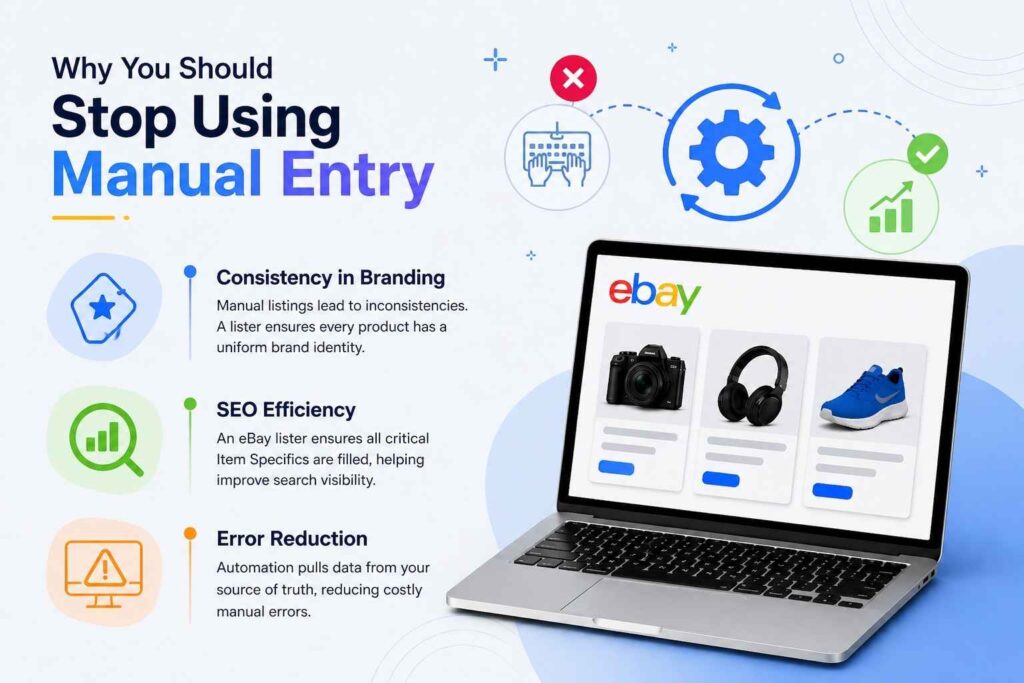
Why You Should Stop Using Manual Entry
If you are still clicking “Create Listing” for every single item, you are incurring hidden costs. Here is why professional sellers migrate to listing services:
1. Consistency in Branding
Manual listings often lead to inconsistencies in fonts, image sizes, and policy layouts. A lister ensures that every product you sell carries a uniform brand identity, which builds trust with buyers.
2. SEO Efficiency
eBay’s search algorithm, Cassini, relies heavily on “Item Specifics.” An eBay lister forces a structured approach to data entry, ensuring you don’t miss critical fields like MPN (Manufacturer Part Number), UPC, or Brand. Auto listers can even “grab” this data automatically if you provide a barcode.
3. Error Reduction
Typing errors in prices or shipping terms can be costly. Automation reduces human error by pulling data from a “source of truth,” your master product database.
Choosing the Right eBay Listing Solution
With so many options available, from eBay’s native bulk tools to high-end third-party platforms, how do you choose? Consider these three tiers:
Tier 1: The Native eBay Tools
eBay offers the Seller Hub and File Exchange. These are free and reliable but can be “clunky” for those who aren’t tech-savvy with Excel. They are great for sellers moving from 10 items to 50, but they lack the automation features of third-party software.
Tier 2: Specialized eBay Listers
Platforms like 3dsellers or Auction123 are built specifically for the eBay ecosystem. They focus on making your listings look incredible and provide specialized features like automated feedback reminders and “Buy It Now” optimizations.
Tier 3: Multi-Channel Automation (Auto Listers)
If you sell on eBay, Amazon, and Walmart, you need an auto lister that supports multi-channel syncing. Tools like AutoDS or InventorySource focus on the “hands-off” approach, often used by dropshippers or large-scale retailers who need their eBay store to run on autopilot.
Strategies for Optimizing Your Automated Listings
Simply having an auto lister isn’t enough; you must use it strategically to see a return on investment.
Focus on Item Specifics
The more boxes you fill, the more “findable” you are. Use your lister to apply bulk updates to item specifics. For example, if you sell “Blue Jeans,” use your tool to apply “Material: Denim” to 500 listings at once.
High-Quality Variations
If you sell a shirt in five colors and five sizes, don’t create 25 separate listings. Use your eBay lister to create a single “Multi-Variation” listing. This keeps all your sales history on one page, which significantly boosts your search ranking.
Dynamic Pricing
Many auto listers include “repricers.” These tools monitor your competitors and adjust your prices up or down within a set range. This ensures you remain competitive 24/7 without having to manually check other sellers’ prices.
Common Myths About eBay Automation
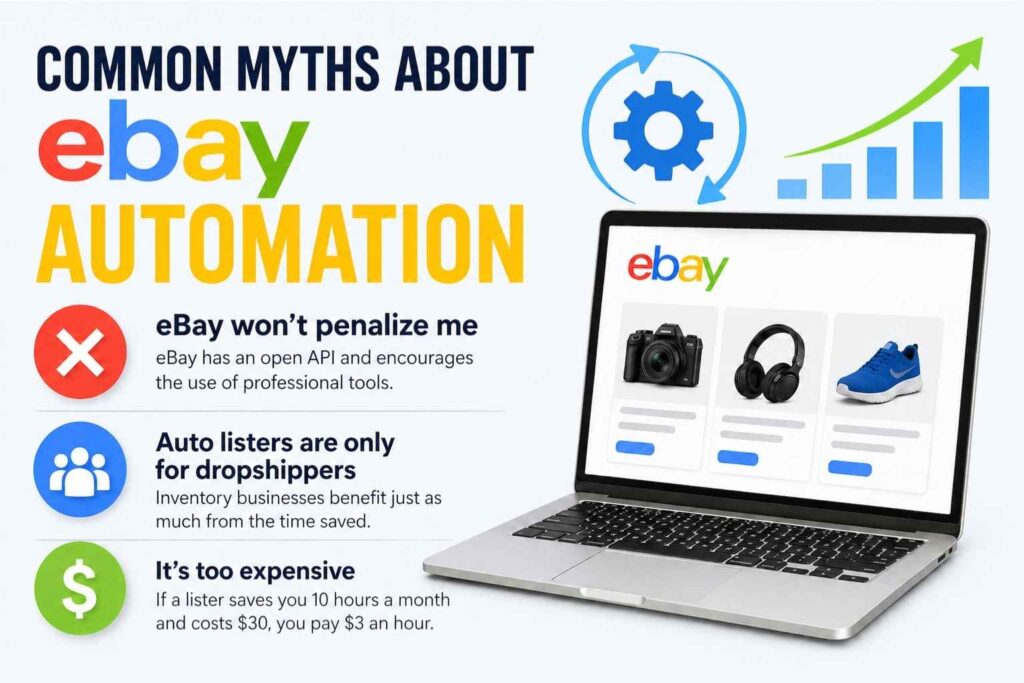
“eBay will penalize me for using third-party tools.” This is false. eBay has an open API specifically so developers can build tools to help sellers. In fact, eBay encourages the use of professional tools because they lead to more accurate listings and better buyer experiences.
“Auto listers are only for dropshippers.” While dropshippers rely heavily on them, inventory-holding businesses benefit just as much from the time saved on data entry and the professional look of the templates.
“It’s too expensive.” While there is usually a monthly fee, consider your “hourly rate.” If a lister saves you 10 hours a month and costs $30, you are effectively buying your time back for $3 an hour.
Final Thoughts
Successful eBay sellers stand out because of the systems they use. eBay listing services bring structure to how products are created and managed, while auto eBay listing tools add the speed needed to scale. Instead of spending hours on manual tasks like product entry and inventory updates, automation allows you to work more efficiently and consistently.
By reducing repetitive work, you can focus on what truly drives growth, finding better products, improving customer experience, and expanding your brand. That’s why investing in professional eCommerce product listing services is no longer optional for serious sellers. The key is to identify where you spend the most time and use the right tools to turn those hours into minutes.
Leave a Reply