
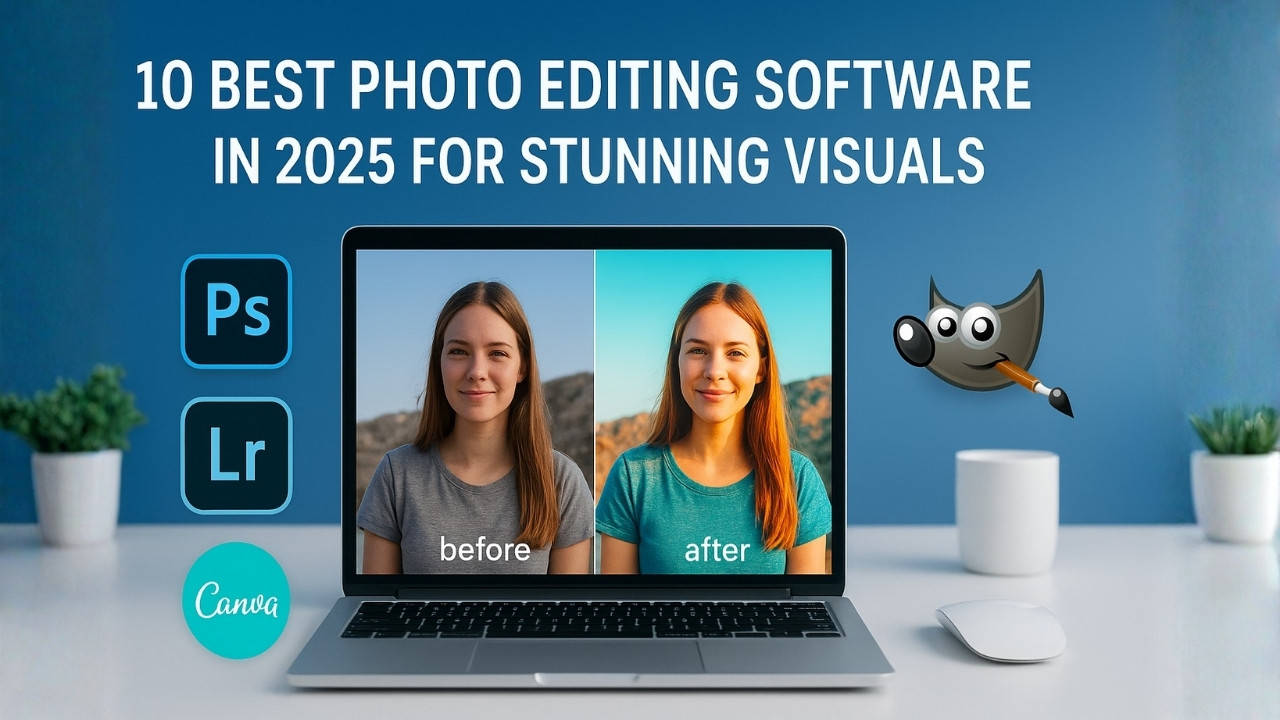
All great pictures have a story to tell—though every once in a while, it needs a bit of editing magic to shine. Whether you want to correct lighting, touch up a Portrait, or make an eye-catching social media post, using the correct software can help you achieve your creative vision. To save you the trouble of wondering what the best is, we have listed the 10 best photo editing software of 2025 that will take your photo from blah to fabulous.
1. Adobe Photoshop — The Industry Standard
To kick things off we will start with the classic — Adobe Photoshop. It still stands strong as the most robust flexible photo editing software in 2025.
If you want to remove backgrounds, add flair to a portrait or create a more advanced piece of digital art, Photoshop has every tool you could think of.
Why it’s great:
- Advanced layer editing and masking
- Powerful AI tools for object selection and content-aware fill
- Seamless integration with Adobe Creative Cloud
Perfect for: Professionals, photographers, and graphic designers
Price: Starts at ₹1,675/month (part of Adobe Creative Cloud Photography plan)
2. Adobe Lightroom — For Effortless Editing & Organization
Whereas Photoshop is suited for in-depth modifications, Adobe Lightroom is better for photo adjustment and batch editing. It is built to optimize your workflow and is particularly well-suited for photographers working with thousands of images.
Why it’s great:
- Intuitive sliders and presets for quick editing
- Non-destructive workflow
- Cloud storage and sync across devices
Perfect for: Photographers and content creators
Price: Included in the Adobe Photography Plan
3. Canva — For Quick Edits and Social Media Magic
If Photoshop is designed for extensive editing, Adobe Lightroom is intended for small adjustments and batch editing. It sports a more optimized workflow and is more suitable for photographers working with thousands of images.
Why it’s great:
- Drag-and-drop interface
- Thousands of templates and stock photos
- AI tools like Magic Eraser and Magic Edit
Perfect for: Beginners, marketers, small business owners
Price: Free plan available; Pro version starts at ₹3,999/year
4. Affinity Photo — The Photoshop Alternative
If you want features such as professional adjustments and usage without a monthly fee, Affinity Photo is a powerful alternative. It has all of the editing capabilities you will need, including; RAW processing, HDR merging and panorama stitching in a one-time purchase.
Why it’s great:
- One-time payment, no subscription
- High-end retouching tools
- Lightning-fast performance
Perfect for: Professionals who prefer offline tools
Price: Around ₹4,500 (one-time payment)
5. Luminar Neo — AI-Powered Editing Made Simple
AI is changing the way we edit pictures, and Luminar Neo is leading the charge. It is great for anyone looking for a professional edit in a timely manner.
With tools such as sky replacement, portrait bokeh, and AI skin retouch, Luminar makes for editing to be quick, intelligent, and enjoyable!
Why it’s great:
- AI-driven tools for quick, stunning edits
- Clean and minimal interface
- Excellent for landscape and portrait photography
Perfect for: Enthusiasts who love creativity but don’t want to spend hours editing
Price: Starts around ₹5,500/year
6. GIMP — The Free & Open-Source Powerhouse
If you have a low budget but want lots of editing features, GIMP (GNU Image Manipulation Program) might be your friend.
While there can be a bit of a learning curve, GIMP can do everything from basic editing to complex composites.
Why it’s great:
- Completely free and open-source
- Plugin support for extended features
- Great alternative to Photoshop for advanced users
Perfect for: Students, freelancers, and hobbyists
Price: Free
7. Fotor — Fast Online Photo Editor
Fotor is a web-based photo editor made for users who want something quick and do not want to have to install any heavy software.
They offer tools for basic photo editing and filters, beauty retouching, and AI background removal.
Why it’s great:
- Easy to use and fast
- Web-based (no downloads needed)
- AI-powered background and blemish removals
Perfect for: Bloggers, influencers, and casual users
Price: Free with premium features at ₹2,499/year
8. Pixlr — Lightweight Yet Powerful
Pixlr is a popular online photo editor and with good reason. It is stylish, fast, and features creative tools that are fun to use when editing photos.
You can access Pixlr from a browser or from the mobile app.
Why it’s great:
- No installation needed
- Advanced tools like layers, masks, and filters
- Works perfectly for quick edits and memes
Perfect for: Social media creators and casual editors
Price: Free with optional premium plans
9. Capture One — For Professional Photographers
For professional color grading and RAW processing, Capture One is second to none.
Used by many of the top photographers globally, Capture One is known for its color accuracy and tether shooting capabilities.
Why it’s great:
- Exceptional color correction and tone control
- Advanced layer editing
- Ideal for tethered shooting in studios
Perfect for: Professional photographers and retouchers
Price: Starts around ₹20,000/year (with a free trial available)
10. Photopea — The Browser-Based Photoshop Twin
It’s like having a Photoshop-like experience right in your browser – and it’s called Photopea.
How does it work? It lets you use PSD files and offers similar tools including layers, masks, and some brushes, without any downloads.
Why it’s great:
- Works directly in your browser
- Free to use with optional premium upgrade
- Supports multiple file formats (PSD, XCF, Sketch, XD)
Perfect for: Designers and students who need quick edits on the go
Price: Free (ads supported) or premium at around ₹1,500/year
Final Thoughts
The decision about which photo editing software to use is ultimately personal and depends on your purpose, skill level, and frequency of use. If you are a professional, software like Photoshop, Lightroom and Capture One are more than worth the cost for their sophisticated features, unparalleled quality, and precision.
If you’re a beginner or a social media creator who does not edit images regularly, there are simple to use photo-editing tools like Canva, Pixlr, or Fotor that make editing your photos easy and enjoyable without needing much (if any editing) experience. If you are on a budget or do not want to spend money on editing software at all, this can also be accomplished with GIMP and Photopea, which provide free software that has powerful editing capabilities.
Regardless of the editing software you choose, keep this in mind: the magic is not only in the software you use, but in you! Open up your favorite editing application, move the sliders, try out a few filters, and see where your imagination takes you – because in the visual world, you are the artist.
Leave a Reply